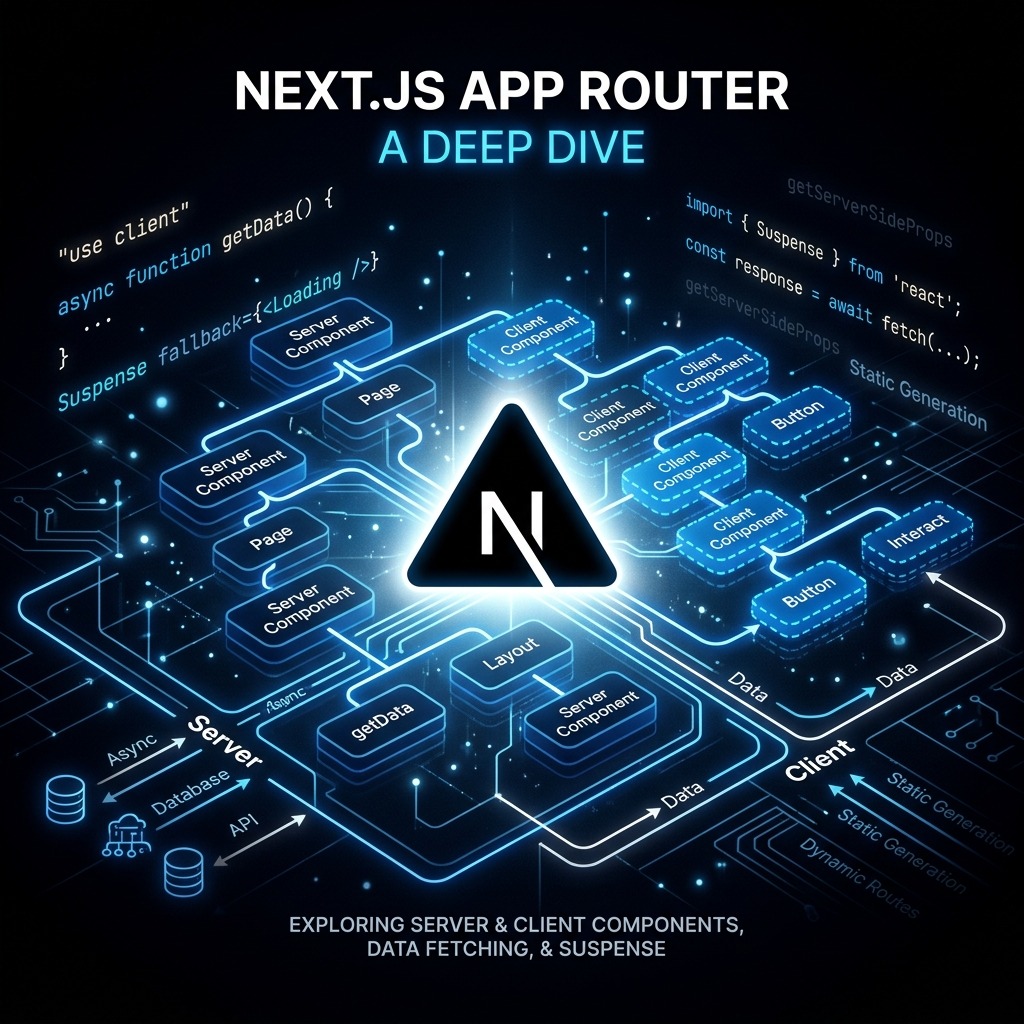
Next.js App Router — A Deep Dive
The App Router, introduced in Next.js 13 and stabilised in Next.js 14, represents a fundamental architectural shift in how React applications are structured. Built on React's Server Components specification, it blurs the line between server and client in ways that were previously impossible. This guide assumes you're already comfortable with React and digs into the patterns that define modern Next.js.
The Mental Model: Two Rendering Environments
Every file in the app/ directory is a React Server Component (RSC) by
default. RSCs run exclusively on the server — they have zero JavaScript sent to
the client, can directly access databases and file systems, and cannot use
browser APIs or React state.
To opt into client-side interactivity, you add "use client" at the top of a
file:
"use client";

import { useState } from "react";

export function LikeButton({ initialCount }: { initialCount: number }) {
  const [count, setCount] = useState(initialCount);
  return <button onClick={() => setCount((c) => c + 1)}>❤️ {count}</button>;
}
The key insight: Server Components can import Client Components, but not vice versa. This means your component tree should have RSCs at the top holding data-fetching logic, with Client Components as leaves managing interactivity.
Data Fetching in Server Components
Because RSCs run on the server, you can await async operations directly in the
component body — no useEffect, no loading state boilerplate:
// app/posts/page.tsx — this is a Server Component
async function getPosts() {
  const res = await fetch("https://api.example.com/posts", {
    next: { revalidate: 3600 }, // ISR: revalidate every hour
  });
  return res.json();
}

export default async function PostsPage() {
  const posts = await getPosts();

  return (
    <ul>
      {posts.map((post) => (
        <li key={post.id}>{post.title}</li>
      ))}
    </ul>
  );
}
Caching Strategies
Next.js has a layered caching system that requires deliberate thought:
| Strategy | Config | Use Case |
|---|---|---|
| Static (SSG) | fetch(url, { cache: "force-cache" }) | Rarely-changing data |
| ISR | fetch(url, { next: { revalidate: N } }) | Semi-dynamic content |
| Dynamic (SSR) | fetch(url, { cache: "no-store" }) | Always-fresh data |
| On-demand Revalidation | revalidatePath() / revalidateTag() | Triggered by mutations |
Tag-based revalidation is particularly powerful:
// Fetch with a cache tag
const res = await fetch("/api/products", { next: { tags: ["products"] } });

// Invalidate all "products"-tagged entries from a Server Action
import { revalidateTag } from "next/cache";
revalidateTag("products");
Server Actions
Server Actions let you write server-side mutation logic (database writes, form submissions) directly co-located with your components, without needing a separate API route:
// app/actions.ts
"use server";

import { revalidatePath } from "next/cache";
import { db } from "@/lib/db";

export async function createPost(formData: FormData) {
  const title = formData.get("title") as string;
  await db.post.create({ data: { title } });
  revalidatePath("/posts");
}
// app/posts/new/page.tsx
import { createPost } from "@/app/actions";

export default function NewPostPage() {
  return (
    <form action={createPost}>
      <input name="title" placeholder="Post title" />
      <button type="submit">Create</button>
    </form>
  );
}
The "use server" directive ensures this code never runs on the client. Next.js
automatically creates a secure HTTP endpoint behind the scenes.
Streaming with Suspense
Rather than blocking the entire page until all data is ready, you can stream individual sections as they resolve:
import { Suspense } from "react";
import { PostList } from "@/components/PostList";
import { Sidebar } from "@/components/Sidebar";
import { PostListSkeleton } from "@/components/skeletons";

export default function Dashboard() {
  return (
    <div className="grid grid-cols-3 gap-8">
      {/* Sidebar loads instantly from a fast source */}
      <Sidebar />

      {/* PostList streams in when its data is ready */}
      <div className="col-span-2">
        <Suspense fallback={<PostListSkeleton />}>
          <PostList />
        </Suspense>
      </div>
    </div>
  );
}
The browser begins painting <Sidebar /> immediately while <PostList />
fetches its data on the server. The fallback skeleton is replaced inline via a
streaming HTML response — no client-side JavaScript fetch required.
Route Handlers
app/api/.../route.ts files replace the old pages/api pattern. They expose
standard Web API Request and Response objects:
// app/api/posts/route.ts
import { NextRequest, NextResponse } from "next/server";

export async function GET(req: NextRequest) {
  const { searchParams } = new URL(req.url);
  const page = searchParams.get("page") ?? "1";
  const posts = await db.post.findMany({
    skip: (Number(page) - 1) * 10,
    take: 10,
  });
  return NextResponse.json({ posts });
}

export async function POST(req: NextRequest) {
  const body = await req.json();
  const post = await db.post.create({ data: body });
  return NextResponse.json(post, { status: 201 });
}
Middleware
middleware.ts at the project root intercepts every request before it hits a
route. Ideal for authentication, A/B testing, and locale redirects:
// middleware.ts
import { NextResponse } from "next/server";
import type { NextRequest } from "next/server";
import { verifyToken } from "@/lib/auth";

export async function middleware(req: NextRequest) {
  const token = req.cookies.get("token")?.value;
  const isProtected = req.nextUrl.pathname.startsWith("/dashboard");

  if (isProtected && !verifyToken(token)) {
    return NextResponse.redirect(new URL("/login", req.url));
  }

  return NextResponse.next();
}

export const config = {
  matcher: ["/dashboard/:path*"],
};
Parallel and Intercepting Routes
Two advanced routing features worth knowing:
- Parallel Routes (
@folderconvention): Render multiple pages simultaneously in the same layout. Perfect for split-view UIs like a feed alongside a modal detail panel. - Intercepting Routes (
(.)folderconvention): Show a route in a modal while keeping the underlying URL — like Instagram's photo modal that shows the photo at/p/xyzwithout leaving the feed.
app/
├── layout.tsx
├── @modal/
│   └── (.)photos/[id]/
│       └── page.tsx     ← modal view
└── photos/
    └── [id]/
        └── page.tsx     ← full-page view
generateMetadata
Dynamic SEO metadata per page is a first-class citizen in the App Router:
import type { Metadata } from "next";

export async function generateMetadata({
  params,
}: {
  params: { slug: string };
}): Promise<Metadata> {
  const post = await getPost(params.slug);
  return {
    title: post.title,
    description: post.excerpt,
    openGraph: {
      images: [{ url: post.coverImage }],
    },
  };
}
Conclusion
The App Router is not just a new file structure — it is a rethinking of the server/client boundary in React applications. The patterns covered here — RSC-first data fetching, Server Actions for mutations, Suspense-based streaming, and granular cache control — work together to let you build applications that are simultaneously fast, interactive, and simple to reason about. The key shift is learning to think in two rendering environments rather than one.