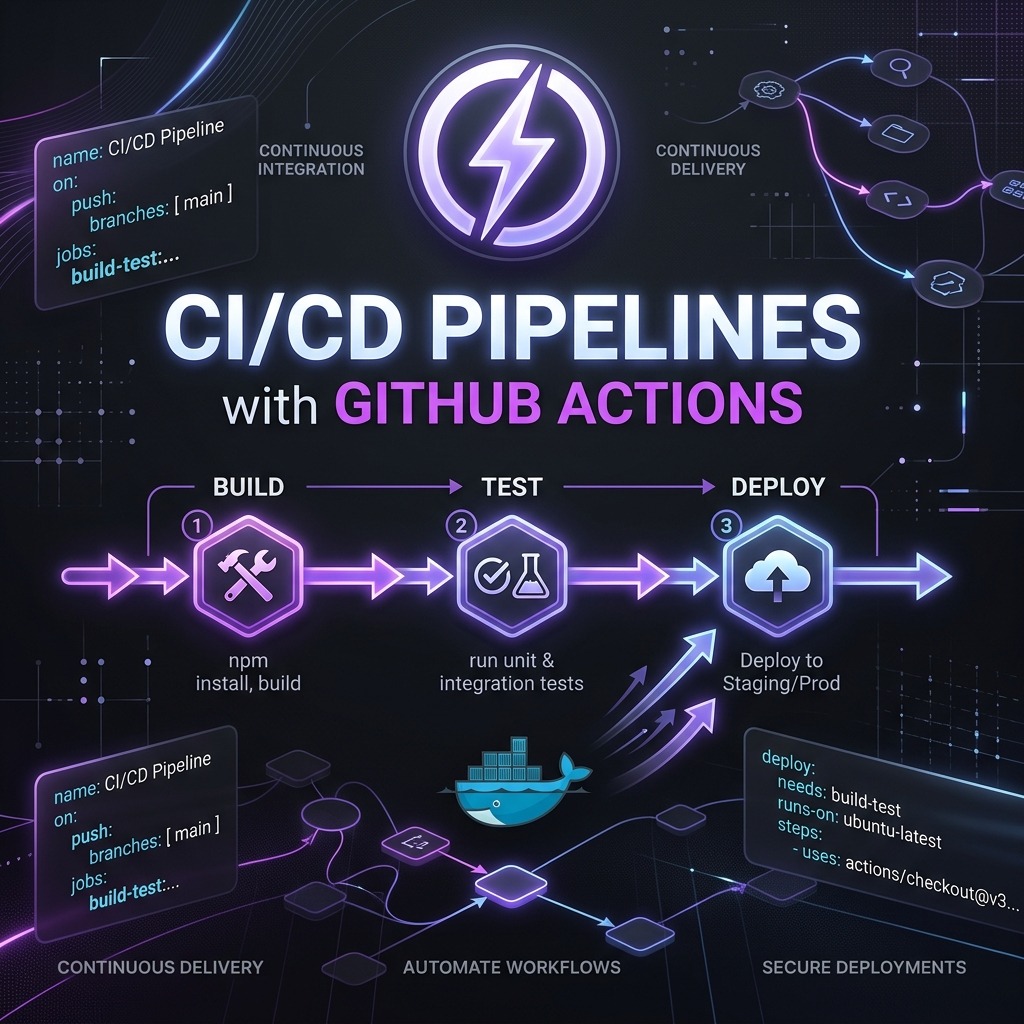
CI/CD Pipelines with GitHub Actions
Continuous Integration and Continuous Delivery (CI/CD) is the practice of automatically building, testing, and deploying your code every time a change is pushed. GitHub Actions makes this first-class — pipelines live as YAML files inside your repository, version-controlled alongside your code, and triggered by any Git event imaginable.
Core Concepts
| Concept | Description |
|---|---|
| Workflow | A YAML file in .github/workflows/ defining the automation |
| Trigger (on) | The event that starts the workflow (push, PR, schedule, etc.) |
| Job | A set of steps that run on the same runner |
| Step | An individual command or action within a job |
| Action | A reusable unit of logic — from the marketplace or your own repo |
| Runner | The virtual machine executing the job (ubuntu-latest, windows-latest, etc.) |
A Real CI Pipeline
Here is a production-ready CI workflow for a Next.js application with TypeScript linting, unit tests, and a build check on every pull request:
# .github/workflows/ci.yml
name: CI

on:
  pull_request:
    branches: [main, develop]
  push:
    branches: [main]

jobs:
  quality:
    name: Lint, Type-check & Test
    runs-on: ubuntu-latest

    steps:
      - name: Checkout code
        uses: actions/checkout@v4

      - name: Setup Node.js
        uses: actions/setup-node@v4
        with:
          node-version: 20
          cache: "npm"

      - name: Install dependencies
        run: npm ci

      - name: Run ESLint
        run: npm run lint

      - name: Type-check with TypeScript
        run: npx tsc --noEmit

      - name: Run unit tests
        run: npm test -- --coverage

      - name: Upload coverage report
        uses: actions/upload-artifact@v4
        with:
          name: coverage-report
          path: coverage/

  build:
    name: Build
    runs-on: ubuntu-latest
    needs: quality # only runs if quality job passes

    steps:
      - uses: actions/checkout@v4
      - uses: actions/setup-node@v4
        with:
          node-version: 20
          cache: "npm"
      - run: npm ci
      - run: npm run build
The needs: quality key creates a dependency — the build job only starts if the
quality job succeeds, saving runner minutes on broken branches.
Adding Docker to the Pipeline
Building and pushing a Docker image on every merge to main:
# .github/workflows/docker-publish.yml
name: Docker Publish

on:
  push:
    branches: [main]

env:
  REGISTRY: ghcr.io
  IMAGE_NAME: ${{ github.repository }}

jobs:
  build-and-push:
    runs-on: ubuntu-latest
    permissions:
      contents: read
      packages: write

    steps:
      - uses: actions/checkout@v4

      - name: Log in to GitHub Container Registry
        uses: docker/login-action@v3
        with:
          registry: ${{ env.REGISTRY }}
          username: ${{ github.actor }}
          password: ${{ secrets.GITHUB_TOKEN }}

      - name: Extract metadata (tags, labels)
        id: meta
        uses: docker/metadata-action@v5
        with:
          images: ${{ env.REGISTRY }}/${{ env.IMAGE_NAME }}
          tags: |
            type=sha,prefix=sha-
            type=raw,value=latest,enable=${{ github.ref == 'refs/heads/main' }}

      - name: Build and push image
        uses: docker/build-push-action@v5
        with:
          context: .
          push: true
          tags: ${{ steps.meta.outputs.tags }}
          labels: ${{ steps.meta.outputs.labels }}
          cache-from: type=gha
          cache-to: type=gha,mode=max
The cache-from: type=gha line uses GitHub's built-in layer cache —
dramatically speeding up subsequent builds by reusing unchanged Docker layers.
Environment Secrets and Variables
Never hardcode credentials. Store them in Settings → Secrets and Variables → Actions:
- name: Deploy to production
  env:
    DATABASE_URL: ${{ secrets.DATABASE_URL }}
    API_KEY: ${{ secrets.API_KEY }}
  run: ./scripts/deploy.sh
For non-sensitive configuration, use Variables (not secrets) so values are visible in logs:
env:
  NODE_ENV: ${{ vars.NODE_ENV }}
  APP_URL: ${{ vars.APP_URL }}
Staged Deployments with Environments
GitHub Environments let you add protection rules (manual approval, required reviewers) before deploying to production:
jobs:
  deploy-staging:
    runs-on: ubuntu-latest
    environment: staging
    steps:
      - run: ./deploy.sh staging

  deploy-production:
    runs-on: ubuntu-latest
    environment: production # configured to require approval in GitHub UI
    needs: deploy-staging
    steps:
      - run: ./deploy.sh production
With this, no code reaches production without a human sign-off, while staging deployments are fully automated.
Matrix Builds
Test against multiple Node.js versions and operating systems simultaneously:
jobs:
  test:
    strategy:
      matrix:
        node: [18, 20, 22]
        os: [ubuntu-latest, windows-latest]
    runs-on: ${{ matrix.os }}
    steps:
      - uses: actions/checkout@v4
      - uses: actions/setup-node@v4
        with:
          node-version: ${{ matrix.node }}
      - run: npm ci && npm test
This spawns 6 parallel jobs (3 Node versions × 2 OSes) automatically.
Reusable Workflows
Extract shared workflow logic into reusable workflows called from other workflows:
# .github/workflows/reusable-test.yml
on:
  workflow_call:
    inputs:
      node-version:
        required: true
        type: string

jobs:
  test:
    runs-on: ubuntu-latest
    steps:
      - uses: actions/checkout@v4
      - uses: actions/setup-node@v4
        with:
          node-version: ${{ inputs.node-version }}
      - run: npm ci && npm test
# .github/workflows/ci.yml
jobs:
  run-tests:
    uses: ./.github/workflows/reusable-test.yml
    with:
      node-version: "20"
Workflow Security Hardening
A few practices to lock down your pipelines:
- Pin action versions to a commit SHA — prevents supply chain attacks if a
tag is moved:
uses: actions/checkout@11bd71901bbe5b1630ceea73d27597364c9af683 - Limit
GITHUB_TOKENpermissions to only what each job needs. - Never print secrets with
echoor debug logging. - Use
pull_request_targetcautiously — it runs with write permissions even on forks.
Conclusion
GitHub Actions brings CI/CD into the repository itself, eliminating the need for external CI infrastructure for most projects. The combination of matrix builds, environment protection rules, reusable workflows, and the Actions Marketplace lets you build pipelines that rival enterprise-grade systems — while remaining version-controlled, free for public repositories, and dead simple to reason about.