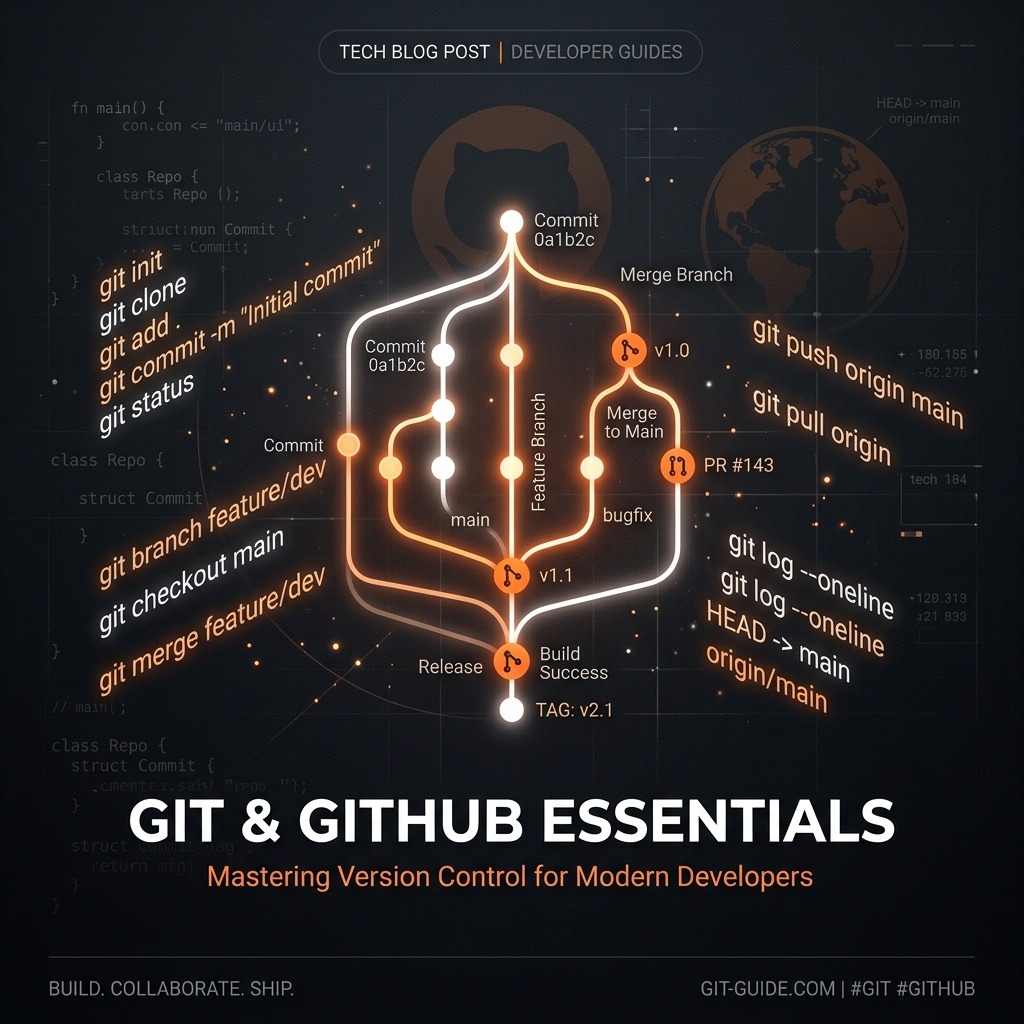
Git & GitHub Essentials
Version control is one of the most critical skills a developer can have. Git lets you track every change you make to your codebase, collaborate with others without overwriting each other's work, and roll back to any previous state instantly. GitHub extends that with a cloud-hosted platform for sharing and collaborating on repositories.
What is Git?
Git is a distributed version control system. Unlike older systems where a single server holds the "true" version of the code, every developer has a full copy of the repository, including its entire history.
Setting Up Git
git config --global user.name "Your Name"
git config --global user.email "you@example.com"
These set your identity on every commit you make.
The Core Workflow
1. Initialise a Repository
git init        # start a new repo from scratch
git clone <url> # copy an existing repo from GitHub
2. Stage and Commit Changes
git status              # see what has changed
git add index.html      # stage a specific file
git add .               # stage everything
git commit -m "Add hero section to homepage"
A commit is a snapshot of your project at a point in time. Write commit messages in the imperative mood: "Add feature", not "Added feature".
3. Push to GitHub
git remote add origin https://github.com/you/your-repo.git
git push -u origin main
After the first push, a simple git push is enough.
Branching
Branches let you work on a feature without affecting the main codebase:
git checkout -b feature/dark-mode   # create and switch to a new branch
# ... make changes, commit ...
git checkout main                   # switch back
git merge feature/dark-mode         # merge the branch in
A common convention is to use descriptive branch names like feature/, fix/,
or chore/.
Pull Requests (PRs)
On GitHub, instead of merging locally, you typically push your branch and open a
Pull Request. A PR lets teammates review your code, leave comments, and
approve or request changes before the code lands in main. This is the backbone
of professional team workflows.
Undoing Mistakes
git restore <file>          # discard unstaged changes to a file
git reset HEAD~1            # undo the last commit (keep the changes)
git revert <commit-hash>    # create a new commit that undoes a past commit
git revert is the safest option when working in a shared repository, as it
doesn't rewrite history.
Useful Everyday Commands
| Command | Purpose |
|---|---|
git log --oneline | Compact commit history |
git diff | Show unstaged changes |
git stash | Temporarily save uncommitted work |
git stash pop | Restore stashed work |
git fetch | Download remote changes without merging |
git pull | Fetch + merge remote changes |
.gitignore
A .gitignore file tells Git which files to ignore. You should never commit
secrets, build output, or system files:
node_modules/
.env
.DS_Store
dist/
Conclusion
Git is an essential daily tool for every developer. Start with the core loop —
add, commit, push — then gradually explore branching and pull requests as
your projects grow in complexity. The investment in learning Git pays off
immediately and for every project thereafter.